Your Website : Add Facebook, Instagram, LinkedIn, X, YouTube and TikTok links to your website

Updated more than a week ago

  1. Log in to the AgentWebsite Control Panel.
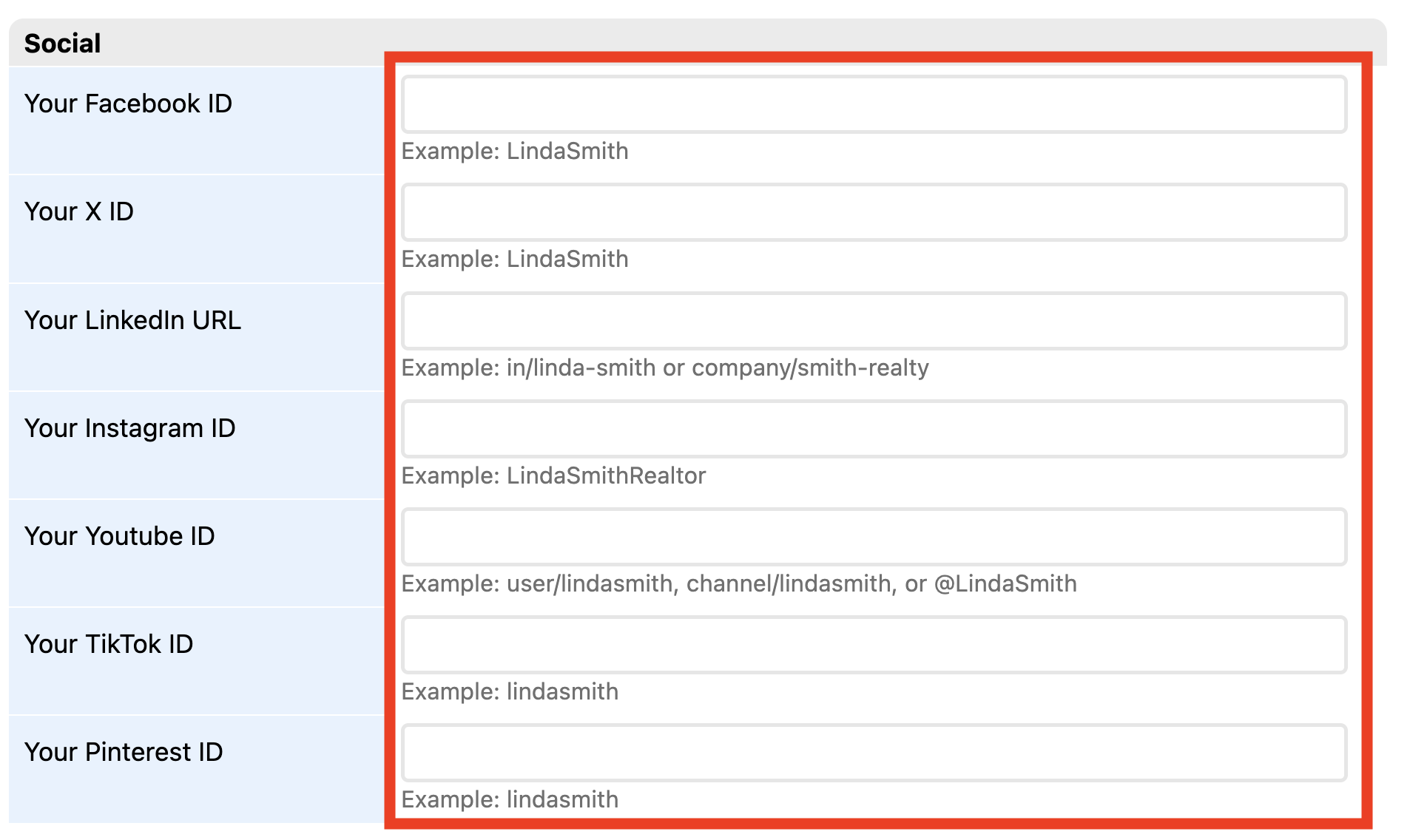
  2. Click Advanced, then click Social.
  3. Social options will be displayed. Enter your social ids. Only social platforms that are filled in will be displayed on your website. See the example format below each field.
  4. Click Save changes.
  5. Open your website and click the social icons to check your work.

Need Help With This? Contact Us!


20+ YEARS OF QUALITY SERVICE WITH A SMILE

@ 2025 AgentWebsite  Terms of Use | Privacy
