Updated more than a week ago
The photos and text at the top of your website are called the header graphic.
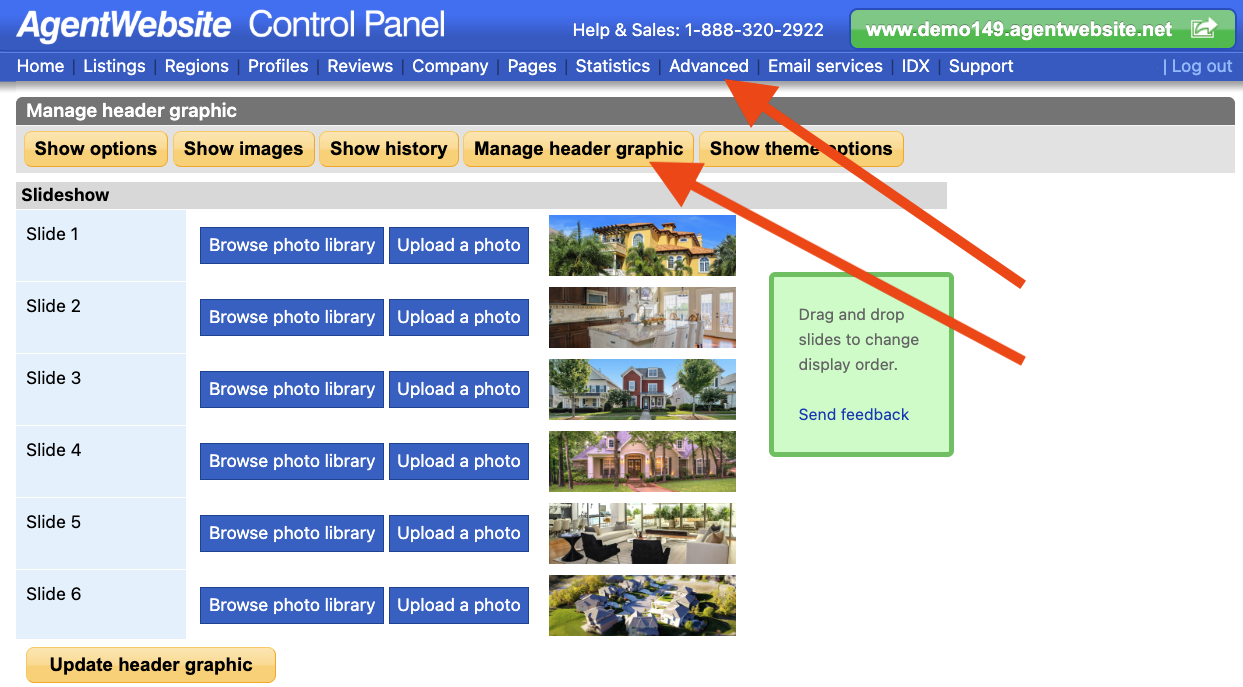
To add or change header graphic slides (photos), or change header graphic text, follow the steps below:
Tip: The logo in the header graphic can also be updated. Click here to learn how.



20+ YEARS OF QUALITY SERVICE WITH A SMILE
@ 2026 AgentWebsite Website Terms | Service Terms | Privacy Policy | Proud member of East TN REALTORS®
