Updated more than a week ago
Lead registration prompts can be a powerful way to generate buyer leads.
Follow the steps below to manage the lead registration prompts on the IDX pages of your website.

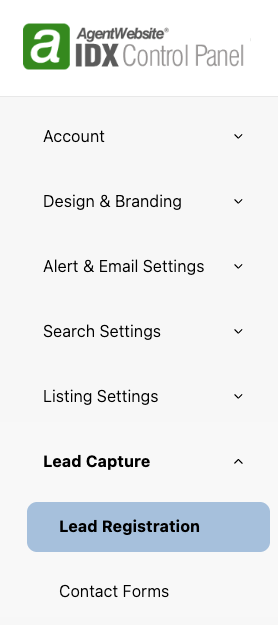
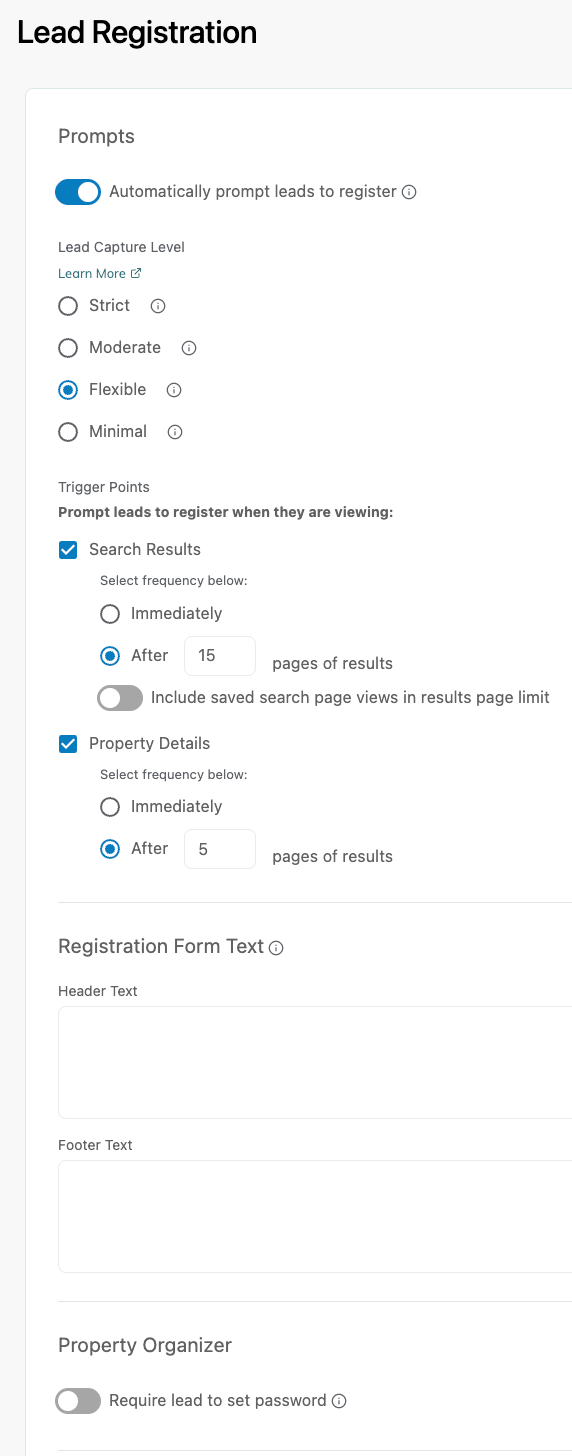
Strict: The user must register and then wait to receive an email from the system. The email contains a link back to the website and brings the user back to the place where they were prior to registration. This method ensures that the user has provided a valid email address.
Moderate: The user must register when prompted. After providing information, user is directed back to the page they were trying to access when registration was triggered.
Flexible: The user is prompted for registration, but has the option to ignore the request and continue on with property viewing. If the user ignores the prompt, the system will begin tracking user searching and viewing again. Once the user reaches the limit again, the system will prompt for registration again.
Minimal: The user is prompted for registration, but has the option to ignore the request and continue on with searching and property viewing. If the user ignores the first prompt, they are not prompted again.

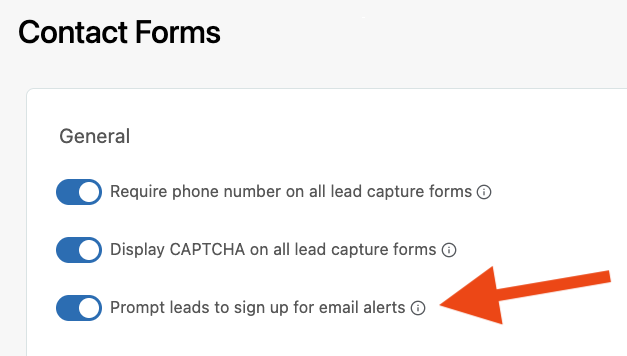
Prompt leads to sign up for email alerts.





20+ YEARS OF QUALITY SERVICE WITH A SMILE
@ 2026 AgentWebsite Website Terms | Service Terms | Privacy Policy | Proud member of East TN REALTORS®
